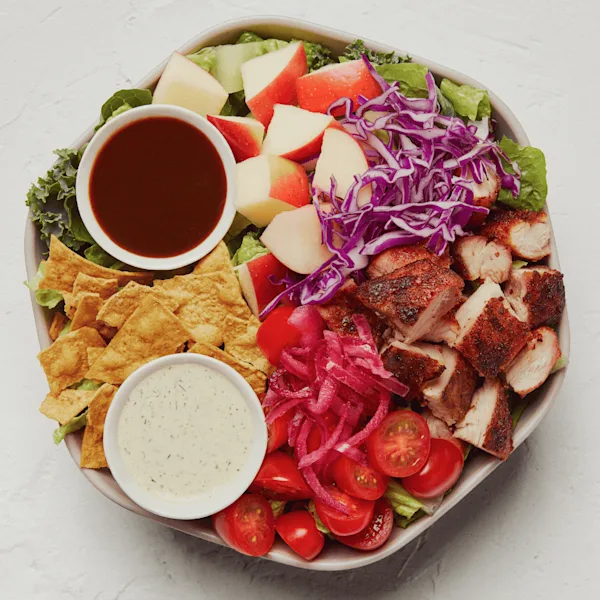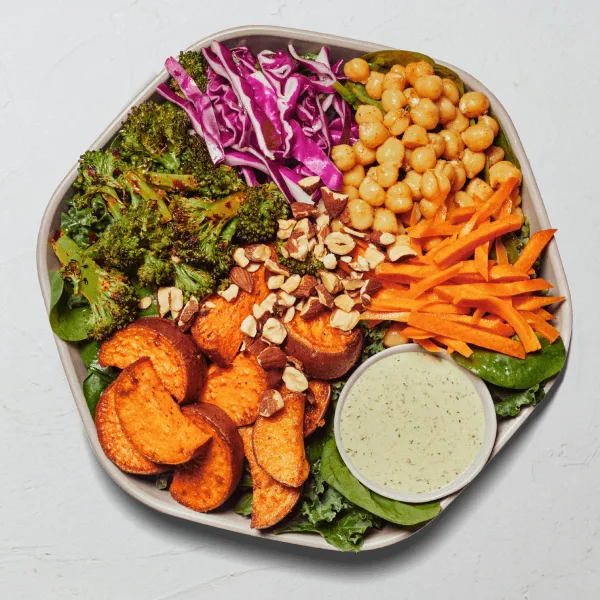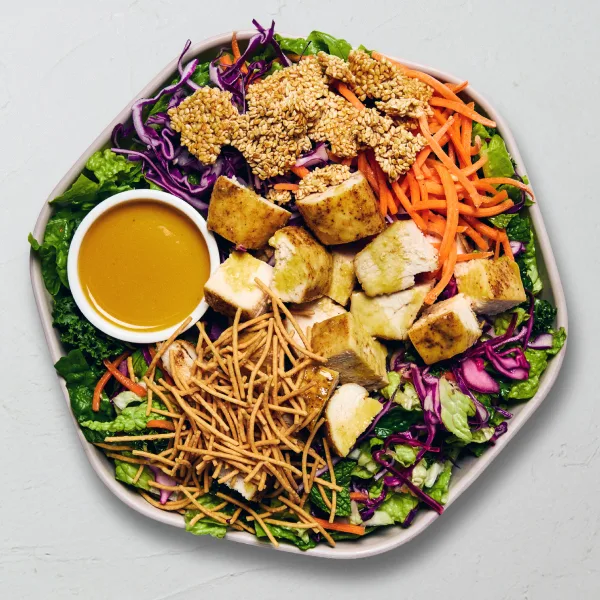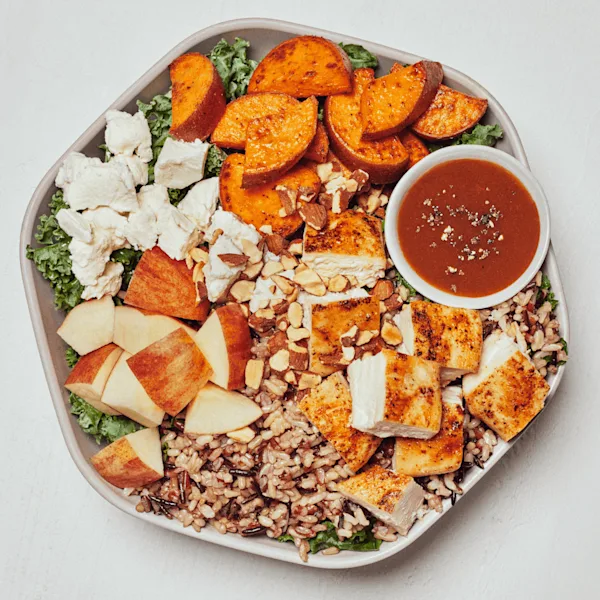
The useful question is not simply “How many calories are in a Sweetgreen bowl?” It is “Which bowl, which source row, and which portions are in the order?” A named prepared bowl comes with a complete nutrition row. A custom bowl starts empty and is calculated ingredient by ingredient. Treating those two workflows as interchangeable is one of the easiest ways to produce a misleading total.
This guide explains both paths using the same local nutrition data that powers the Sweetgreen Calorie Calculator. The snapshot is dated 2026-07-10, so it is a comparison reference rather than a promise about every restaurant or future recipe.
Prepared Sweetgreen bowl calories come from complete product rows
A prepared bowl is a named menu product such as Harvest Bowl or Crispy Rice Bowl. Its official nutrition row represents the product as defined by that source. You should add that row directly to the meal instead of trying to rebuild the recipe from the Create Your Own ingredient table. Rebuilding can miss a component, use a different portion, or count an ingredient twice.
The current local dataset contains the following products in its bowls category. Calories answer the main search question, while protein and sodium are included to show why two bowls with similar calorie totals may still be represented differently across the full nutrition panel.
| Prepared bowl | Calories | Protein | Sodium |
|---|---|---|---|
| Harvest Bowl | 760 | 40 g | 1300 mg |
| Crispy Rice Bowl | 680 | 33 g | 1225 mg |
| Chicken Pesto Parm | 510 | 38 g | 1560 mg |
| Chicken Avocado Ranch | 755 | 28 g | 1200 mg |
| Shroomami | 665 | 20 g | 1300 mg |
| Fish Taco | 765 | 34 g | 1090 mg |
| Steak Honey Crunch | 605 | 32 g | 1830 mg |
These values describe the rows in this dated collection, not every possible substitution or restaurant preparation. The Sweetgreen menu calorie directory is the quickest way to browse prepared products before opening the calculator. If a card offers more than one source variant, select the label that actually matches the order rather than assuming that the lowest or highest number applies.
Why a prepared bowl should stay one calculator line
The prepared product already represents its recipe. Adding the prepared row and then adding its rice, chicken, dressing, or toppings again would double-count those components. The calculator therefore keeps prepared products separate from the ingredient builder. Add the named bowl once, then add only genuinely separate items such as a side, dessert, beverage, or second entrée.
Custom Sweetgreen bowl calories are the sum of selected portions
A Create Your Own bowl follows a different rule. Each base, topping, premium, protein, dressing, or extra has a listed serving row. One quantity in the calculator means one of those listed portions. The live custom subtotal changes as portions are added, but it does not enter the meal total until the completed bowl is added as one composite line.
Consider this source-backed example: Arugula, Wild Rice, Roasted Chicken, Cucumbers, Tomatoes, and Balsamic Vinegar. Using one listed portion of each ingredient produces 310 calories in the current dataset.
| Custom bowl portion | Group | Calories |
|---|---|---|
| Arugula | Bases | 15 |
| Wild Rice | Bases | 155 |
| Roasted Chicken | Proteins | 110 |
| Cucumbers | Toppings | 5 |
| Tomatoes | Toppings | 10 |
| Balsamic Vinegar | Dressings | 15 |
| Example total | 310 | |
This is a calculation example, not an ordering or diet recommendation. Changing Wild Rice to another base, increasing a protein quantity, choosing a different dressing, or adding a premium changes the total. The result is only reproducible when the ingredient names and quantities match. For a complete walkthrough of fields and portions, use the site’s Sweetgreen nutrition source guide.
Count the custom bowl once
After the custom draft is complete, add it to the meal. The calculator snapshots the ingredients and their nutrition as one bowl line, then clears the draft. Do not add the same ingredients separately afterward. If you create a second custom bowl, build and add a new snapshot so quantities remain understandable.
How to calculate the calories in the bowl you intend to order
- Choose the correct workflow. Use the prepared menu row for a named bowl. Use Create Your Own only when assembling individual portions.
- Match the exact item or ingredient. Read the product name, active variant, serving description, and source note before adding anything.
- Confirm every quantity. A quantity of two means two complete listed portions or two complete products, not an unspecified “extra.”
- Add the complete order. Include separate sides or drinks only when they belong in the comparison, and keep them as separate meal lines.
- Review more than calories. The same meal summary also tracks fat, saturated fat, trans fat, cholesterol, sodium, carbohydrates, fiber, sugar, and protein.
That process gives a transparent estimate that can be checked line by line. It also makes comparisons more useful: you can change one component, add the revised bowl, and see exactly which row or quantity caused the difference.
Why your restaurant total may differ from this guide
Nutrition data is tied to a source date and a defined serving. Recipes, ingredient suppliers, portions, substitutions, regional availability, and preparation can change. A restaurant may also prepare an order differently from the combination modeled in a calculator. For that reason, this site keeps the source date visible and links to current official information.
Calories are also only one field in the dataset. A single number cannot confirm ingredients, cross-contact conditions, medical suitability, or whether an item meets an individual’s needs. Review the site’s nutrition and allergen disclaimer, and use Sweetgreen’s current official Nutrition + Allergens Guide when accuracy is important.