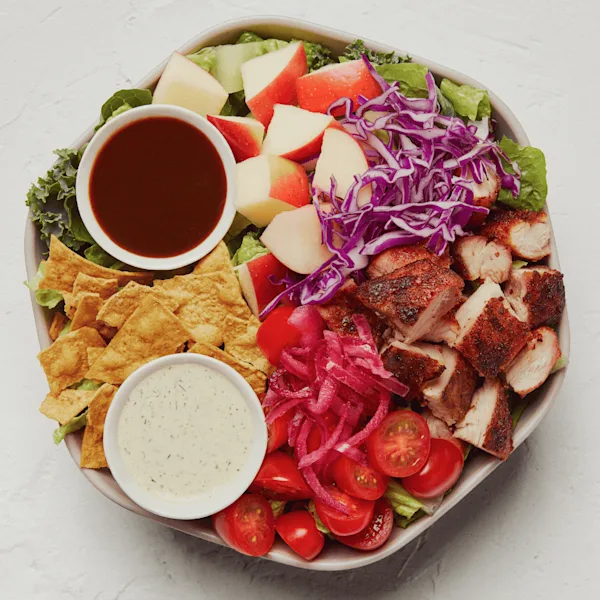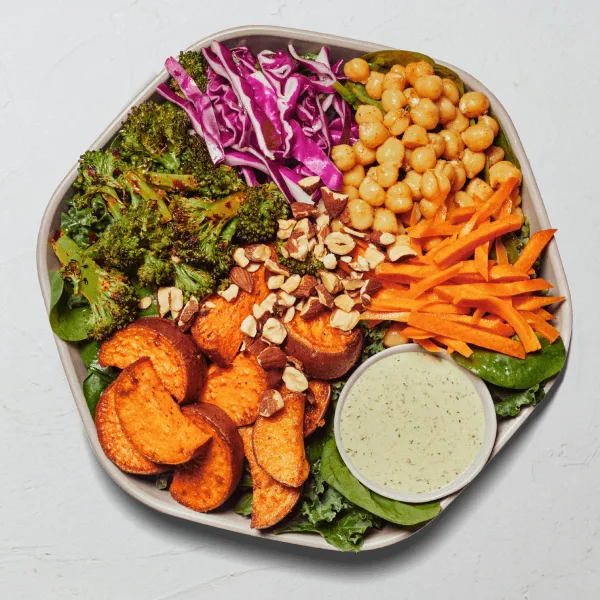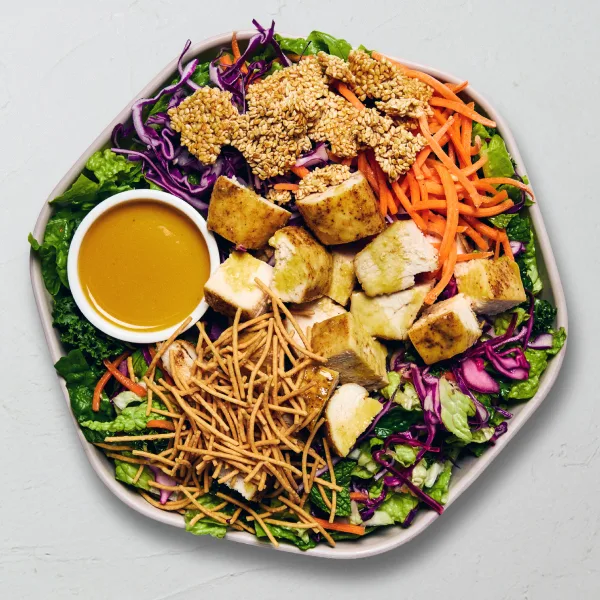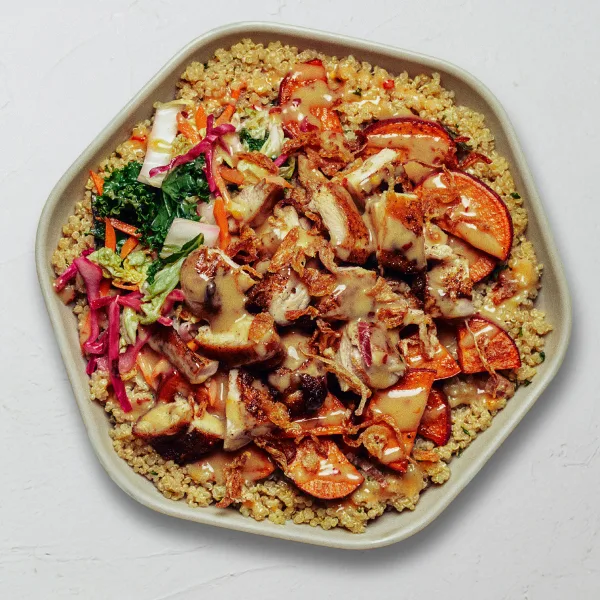
A protein number is useful only when its row is understood. “Roasted Chicken” in the ingredient table represents one listed custom-bowl portion. “Harvest Bowl” represents a complete prepared product. Those numbers answer different questions and should not be compared as if both rows described an entire meal.
This guide uses the local source snapshot dated 2026-07-10 and the same data as the Sweetgreen Calorie Calculator. It explains protein, calories, and portions without ranking products or making individualized diet claims.
Prepared Sweetgreen products with 30 grams or more protein
The table below filters the current prepared-product collection by source rows showing at least 30 grams of protein. It is a descriptive snapshot, not a ranking or recommendation. Calories appear as a single number when all available variants match and as a range when source variants differ.
| Prepared product | Category | Calories | Protein |
|---|---|---|---|
| Cali Chicken Club | Wraps | 1085–1255 | 49 g |
| Hot Honey Chicken | Protein Plates | 845 | 49 g |
| Classic Chicken Caesar | Wraps | 830–990 | 47 g |
| Summer Market Bowl | Summer Menu | 730 | 43 g |
| Chicken Jalapeño Ranch | Wraps | 1150–1320 | 41 g |
| Kale Caesar | Salads | 510 | 41 g |
| Harvest Bowl | Bowls | 760 | 40 g |
| Chicken Pesto Parm | Bowls | 510 | 38 g |
| Saucy KBBQ Chicken | Wraps | 1055–1195 | 37 g |
| Buffalo Chicken | Salads | 580 | 37 g |
| Chicken Sesame Crunch | Salads | 615 | 35 g |
| Fish Taco | Bowls | 765 | 34 g |
| Caramelized Garlic Steak | Protein Plates | 770 | 34 g |
| Miso Glazed Salmon | Protein Plates | 880 | 34 g |
| Steak Mezze | Protein Plates | 755 | 34 g |
| Crispy Rice Bowl | Bowls | 680 | 33 g |
| RANCHY CHICKEN + RICE | Kids' Meals | 550 | 33 g |
| Steak Honey Crunch | Bowls | 605 | 32 g |
A prepared product row already includes its recipe as represented by the official source. Do not add the protein ingredient row again unless the order genuinely includes an extra portion. That would turn one source-backed product into a double-counted estimate.
Variants still matter
Some prepared products, especially wraps, have more than one source variant. The protein value may remain the same while calories, fat, or sodium change with a side dip. Open the product in the calculator and choose the exact active label. The menu calorie directory shows when a product has a range and links into the calculation workflow.
Create Your Own protein portions are ingredient rows
For a custom bowl, the protein group contains individual portions. One quantity means one complete listed portion. Increasing the quantity applies that row again, subject to the builder’s selection limits. The custom subtotal then combines it with the selected bases, toppings, premiums, dressings, and extras.
| Protein portion | Calories | Protein | Sodium |
|---|---|---|---|
| Caramelized Garlic Steak | 220 | 25 g | 650 mg |
| Miso Glazed Salmon | 240 | 23 g | 140 mg |
| Roasted Chicken | 110 | 23 g | 350 mg |
| Blackened Chicken | 150 | 20 g | 410 mg |
| Roasted Tofu | 130 | 9 g | 340 mg |
| Warm Portobello Mix | 60 | 1 g | 340 mg |
The table makes the portion boundary visible. Caramelized Garlic Steak shows 25 grams of protein for one listed portion in this snapshot; Roasted Chicken and Miso Glazed Salmon each show 23 grams. Warm Portobello Mix is also classified in the protein group but has a different nutrition profile. None of those rows, by itself, represents the calories or protein in a completed bowl.
The custom builder also preserves the source selection rules. Premiums and proteins appear as separate visual groups, but they share the same combined seven-portion limit in the current order evidence. That limit describes what the modeled builder permits; it does not turn seven portions into a suggested quantity. When the shared limit is reached, the calculator stops another increment so the custom subtotal cannot silently drift beyond the represented ordering contract.
To see how ingredients become a full meal, the Sweetgreen bowl calorie guide walks through a custom example and explains why the completed bowl should enter the meal as one composite line.
How to compare protein without losing portion context
- Identify the row type. Confirm whether the value describes a named prepared product or one custom ingredient portion.
- Match the actual variant. When a product offers multiple labels, select the source row that matches the order.
- Count quantities literally. Two protein portions mean two full listed rows. A prepared entrée quantity of two means two complete products.
- Review the complete nutrition panel. Protein should be read with calories, fat, sodium, carbohydrates, and the other tracked fields, not treated as the only characteristic of a meal.
- Include every separate item. Add sides, drinks, or a second entrée only when they are part of the same comparison.
This method supports two useful comparisons. You can compare complete prepared products with other complete products, or compare one custom draft with another custom draft. Crossing those boundaries—such as comparing one chicken portion directly with an entire bowl—creates an incomplete picture.
Protein values can change with sources and portions
The local dataset is dated. Menu availability, recipes, portion standards, suppliers, and preparation can change later. A restaurant may also serve a portion that differs from the reference row. Use the values to model the specific source-defined order, and verify time-sensitive details with Sweetgreen’s current Nutrition + Allergens Guide.
The site’s nutrition source guide explains all ten stored nutrition fields and why unknown values remain unknown rather than becoming zero. This matters when comparing rows: a missing field is a data limit, not evidence that a product contains none of that nutrient.
This guide does not set a protein target
Protein needs vary, and a menu table cannot account for an individual’s health, activity, allergies, medications, or clinical advice. This article does not prescribe an intake target or identify a medically suitable order. It also cannot confirm ingredient or cross-contact safety. Review the site’s nutrition and allergen disclaimer and seek qualified guidance for personal decisions.