Sodium is one of ten nutrition fields in this site’s dated Sweetgreen dataset. It is measured in milligrams, and its meaning depends on the same boundaries as calories: a prepared product is a complete row, while a Create Your Own ingredient is one portion that contributes to a custom subtotal.
This guide uses local evidence dated 2026-07-10. It explains how to read and reproduce totals with the Sweetgreen Calorie Calculator. It does not prescribe an intake limit, identify a medically safe order, or replace current official information.
Prepared product sodium is a complete source total
A prepared bowl, salad, protein plate, wrap, side, dessert, or drink has its own official product row. That sodium value should be added once when the product is added once. Do not reconstruct the product from ingredient rows, because the custom ingredient portions may not match the recipe and can double-count components already represented in the prepared total.
The following rows illustrate how sodium appears across several product types in the current snapshot. They are examples of the dataset’s structure rather than a recommended ordering list.
| Prepared product | Category | Calories | Sodium |
|---|---|---|---|
| Hibiscus Berry Clover Tea | Drinks | 0 | 0 mg |
| Alice Waters' Peach & Goat Cheese Salad | Summer Menu | 445 | 815 mg |
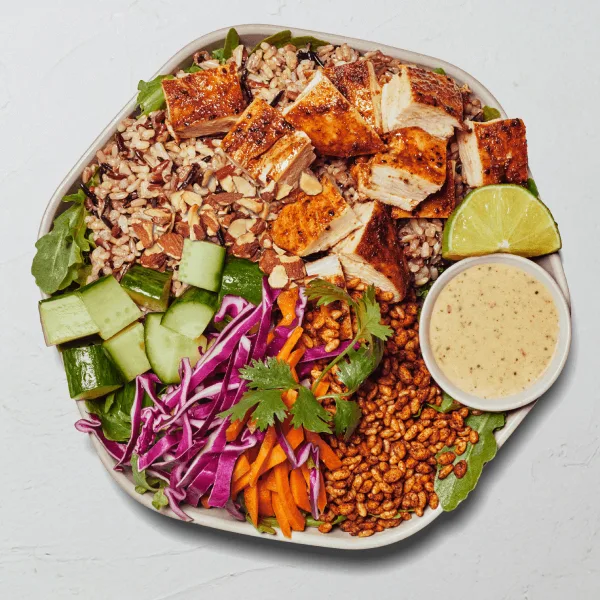
| Crispy Rice Bowl | Bowls | 680 | 1225 mg |
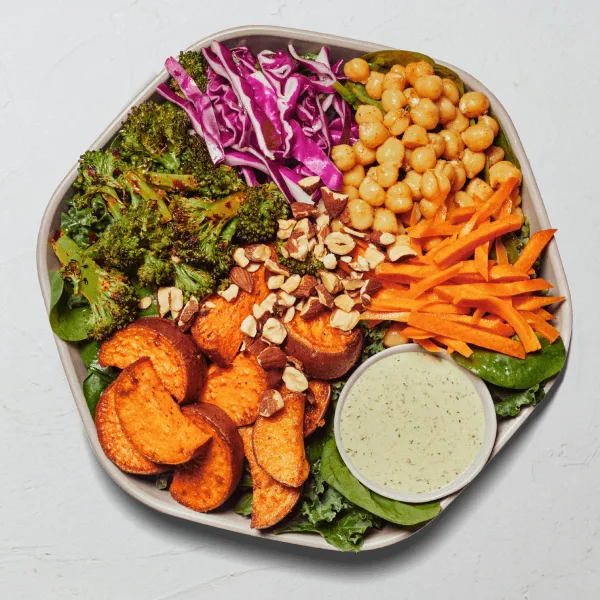
| Harvest Bowl | Bowls | 760 | 1300 mg |
| Kale Caesar | Salads | 510 | 1400 mg |
| Hot Honey Chicken | Protein Plates | 845 | 2710 mg |
| Chicken Jalapeño Ranch — Base wrap (side dip not included) | Wraps | 1150 | 3035 mg |
| Chicken Jalapeño Ranch — Wrap + Charred Jalapeño Ranch side dip | Wraps | 1320 | 3460 mg |
The table includes low and high numeric examples to demonstrate that sodium cannot be inferred from calories, category, or product name. It must be read from the matching source row. For a complete product list, use the Sweetgreen menu calorie and nutrition directory.
Choose the exact variant
When a wrap has a base row and a separate official row that includes a side dip, the sodium can change with the variant. Use the calculator’s active label and source note. Do not derive the combined total by adding separately rounded rows; the official combined row remains the authoritative value for that represented variant.
Custom bowl sodium is built one portion at a time
A custom bowl begins with no nutrition total. Each base, topping, premium, protein, dressing, or extra contributes the sodium shown for one listed portion. Increasing an ingredient quantity applies the row again. The completed custom bowl is then saved as one meal line so its components are not counted a second time.
The next table shows selected ingredient portions from several groups. These rows are included to illustrate how a total can accumulate across components, not to suggest which ingredients someone should choose or avoid.
| Ingredient portion | Group | Calories | Sodium |
|---|---|---|---|
| Apple Kimchi Sauce | Premiums | 120 | 1040 mg |
| Caramelized Garlic Steak | Proteins | 220 | 650 mg |
| Crumbled Bacon | Premiums | 70 | 630 mg |
| Feta Crumble | Premiums | 110 | 510 mg |
| KBBQ Dressing | Dressings | 140 | 490 mg |
| Toasted Sunflower Seeds | Toppings | 160 | 480 mg |
| Roasted Chicken | Proteins | 110 | 350 mg |
| Wild Rice | Bases | 155 | 150 mg |
| Tomatoes | Toppings | 10 | 10 mg |
| Balsamic Vinegar | Dressings | 15 | 0 mg |
Dressings and proteins are especially easy to misread because they can be separate custom portions or components already represented in a prepared entrée. The Sweetgreen dressing calorie guide explains sauce portions and double-counting, while the Sweetgreen protein guide separates complete products from individual protein add-ons.
For a small arithmetic example, one listed Wild Rice portion contributes 150 milligrams, Roasted Chicken contributes 350 milligrams, Tomatoes contribute 10 milligrams, and Balsamic Vinegar contributes 0 milligrams in this snapshot. Together those four selected rows contribute 510 milligrams before any other base, topping, premium, dressing, or extra is added. The example demonstrates addition only; it does not define a complete recipe or a target.
How the calculator aggregates sodium
- Add a matching prepared product or build a custom bowl. Each selected source row brings its sodium value into the draft or meal.
- Apply the selected quantity. A quantity of two multiplies the entire row, including sodium, by two.
- Snapshot the custom bowl. Once added, its combined ingredients become one meal line. The cleared draft no longer changes that saved bowl.
- Include separate products. Sides, drinks, desserts, or a second entrée add their own sodium when they belong in the order.
- Read the result with the other fields. The summary keeps sodium next to calories, fat, carbohydrates, fiber, sugar, protein, and the remaining tracked values.
If any nutrition field is missing from a source row, this project preserves it as Unknown rather than silently turning it into zero. A combined field can therefore become Unknown when the calculator cannot support a complete total. That behavior makes the data limit visible.
Why a sodium result may differ from the restaurant
The source defines portions and recipes at a particular time. Later recipe revisions, suppliers, substitutions, regional menus, actual serving amounts, and preparation can change the result. A calculator also knows only the rows and quantities selected by the user; it cannot observe what was placed in a restaurant bowl.
Use the site’s Sweetgreen nutrition source guide to understand fields and serving context. Verify current data with Sweetgreen’s official Nutrition + Allergens Guide when a current value matters.
No number here is a personal sodium limit
This article deliberately does not compare totals with a personal or clinical threshold. Individual needs and medical decisions require context that a menu dataset does not contain. The tool also cannot confirm allergy safety or cross-contact conditions. Read the site’s nutrition and allergen disclaimer and consult a qualified professional for personalized guidance.